Prop Creator is a FiveM script compatible with ESX, QB-Core and Proprietary Frameworks, allowing players to create, move, rotate and save props on the server persistently. It uses ox_lib for an intuitive interface and stores props in the database, ensuring they persist across reboots. Includes editing modes, a management menu and commands to manage props in real-time. 🚀
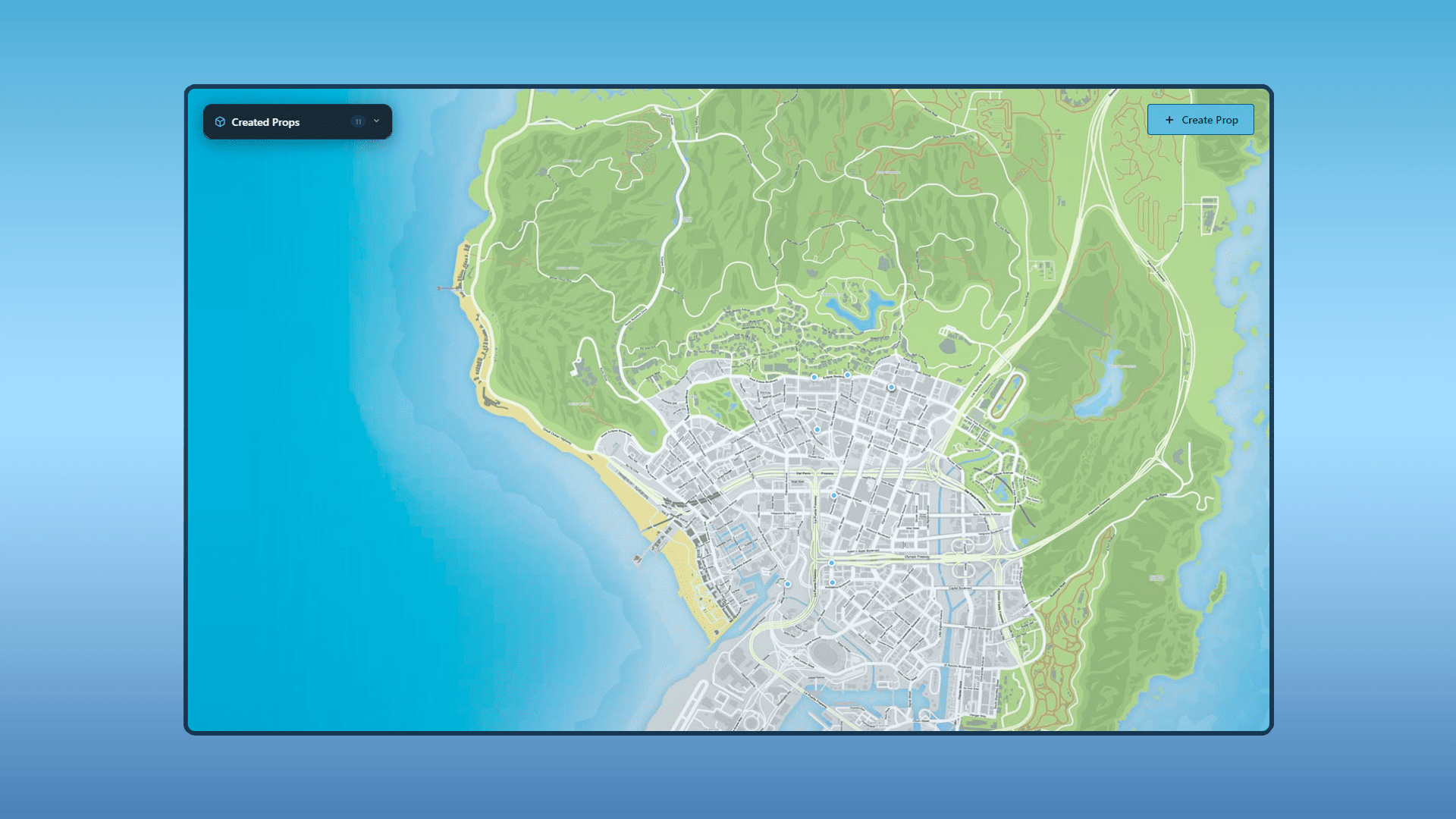
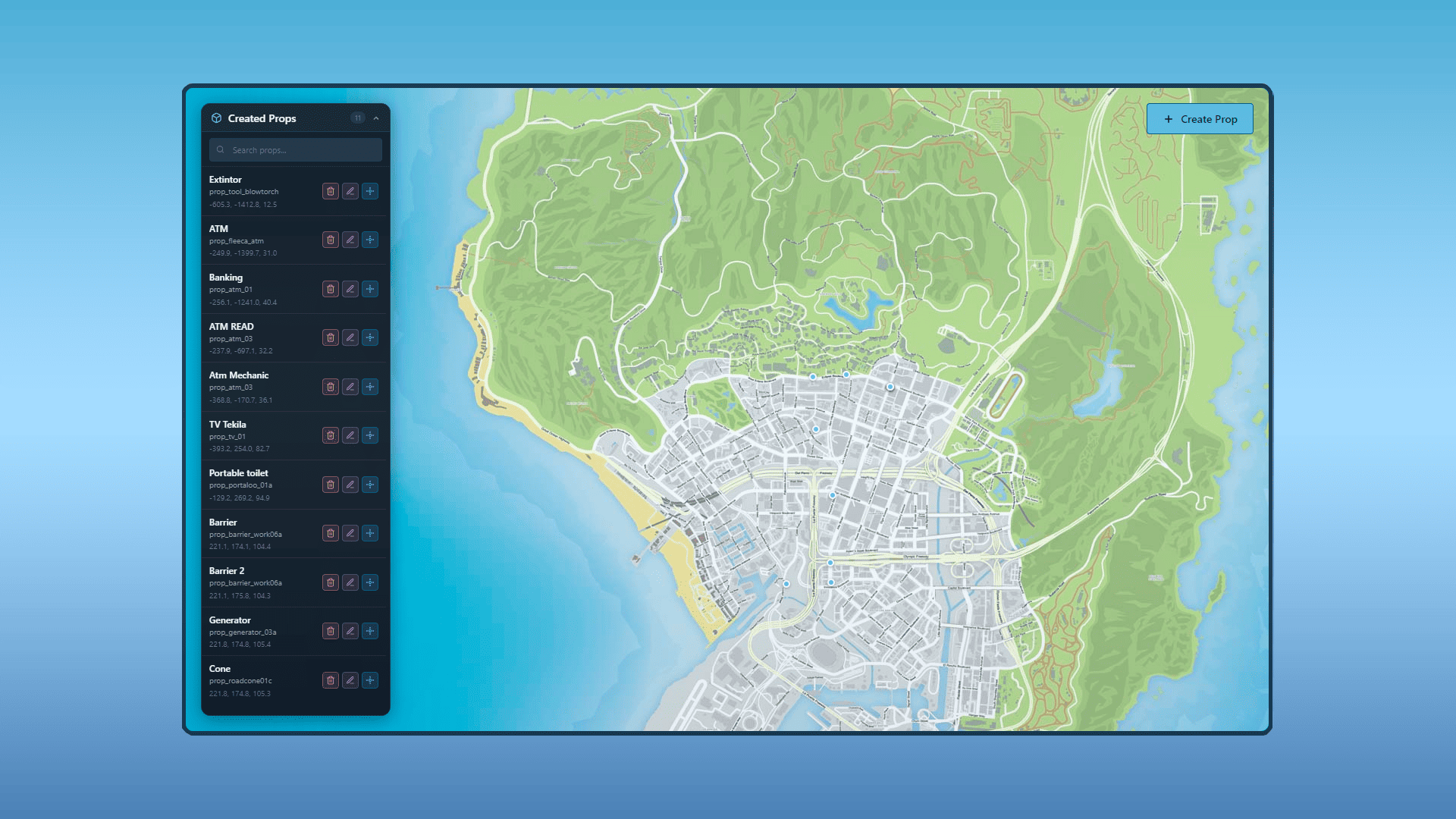
React-based FiveM prop creator admin panel with search and prop management.
Create, edit, delete and list all server props from one UI.
Real-time sync when props are added or removed.
Advanced Placement
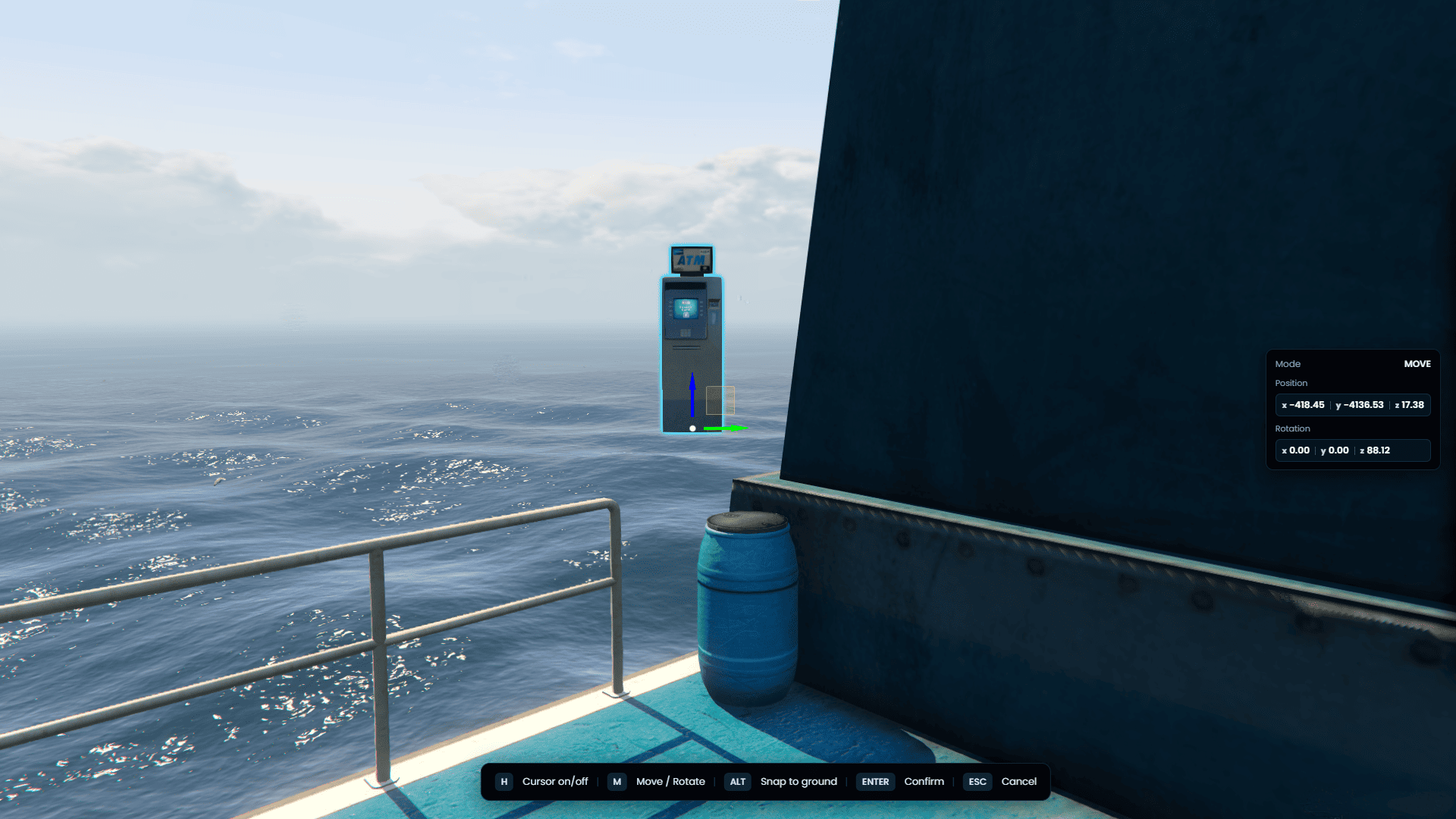
Move and rotate modes with live XYZ position and rotation.
Cursor mode, snap to ground and 45° rotation snapping.
Visual outline and on-screen placement hints while editing.
Persistent MySQL Storage
All props saved in database via oxmysql.
Props persist across restarts and reconnects.
Includes SQL file for quick installation.
Optimized
Chunked server-to-client sync for large prop counts.
Batch spawning per frame to reduce performance impact.
Distance-based sorting for smarter world loading.
Admin Permission Control
Configurable admin groups and ACE permissions.
Custom command (default /propcreator).
Permission checks on panel, placement and management actions.
Full Prop Management Tools
Teleport directly to any placed prop from the panel.
Edit existing prop position and rotation in-world.
Model validation before placement to avoid invalid props.
Multi-language Support
Built-in locales: English, Spanish, French, German, Italian and Portuguese.
Easy locale configuration from config file.
NUI and placement hints fully localized.
Framework Compatibility
Auto-detects ESX, QBCore and Qbox.
Standalone mode for custom frameworks.
ox_lib, ESX or QBCore notification support.
FAQ
What is the props creator script for FiveM by Jota Dev?
It's a system for creating, placing, editing, and deleting props on your FiveM server from a visual panel. Props are saved in a database and synchronized across all connected players.
Which framework does it support?
We currently support esx, qb core, and qbox. The resource is standalone, so you can use and adapt it for any type of framework.
How do I open the panel?
By default, use the /propcreator command (configurable in Config.PropCreatorCommand).
Are the props visible to everyone?
Yes. Once saved, they are synchronized with the players via a batch streaming system optimized to avoid overloading the client.
Does it affect server performance?
The impact is moderate: props are loaded in configurable batches to avoid spikes. Designed to capture many props (hundreds/thousands).
What do I need to install before using the prop creator?
You need ox_lib and oxmysql on your server. The resource includes an SQL file to create the props table. ESX or QBCore is optional because the script also runs in standalone mode.
Can I edit or delete props after placing them?
Yes. From the panel you can edit position and rotation with the in-world gizmo, teleport to any prop, or delete it permanently. All changes are saved to MySQL and synced to every player.
Technical Specifications
Detailed information on compatibility, performance, dependencies, and configuration before purchasing
Feature
Detail
Supported Frameworks
ESX, QBCore, Qbox & Standalone
Database
oxmysql
Dependencies
ox_lib, oxmysql
Admin Command
/propcreator (configurable)
Permissions
Admin groups + ACE
Languages
EN, ES, FR, DE, IT, PT
World Streaming
6 props/frame spawn · 35 props/chunk sync
UI Technology
React NUI + ox_lib integration
Encryption Type
FiveM Escrow (Config, Locale & Editable open)
Supported Frameworks
Auto-detects ESX, QBCore and Qbox. Also supports standalone mode for custom frameworks without inventory dependency.


 Jota Dev